
Cozy merge and home makeover
Dream House Merge
Merge, decorate and make it home.
Your friends need a hand turning a tired old house into a dream home. Merge candles into teacups and armchairs into grand pianos, fill the family’s orders, and renovate one room at a time.
Closed testing complete · coming soon to Google Play
Free to play with optional ads. No purchases, no account, no sign-in.
How to play
Merge. Earn. Renovate.
Unpack and merge
Tap the moving box for new items, then drag two matching items together to make something better: candles become teacups, lamps become chandeliers.
Fill the orders
Friends and family ask for specific pieces. Deliver them for coins, stars and quest rewards.
Make it yours
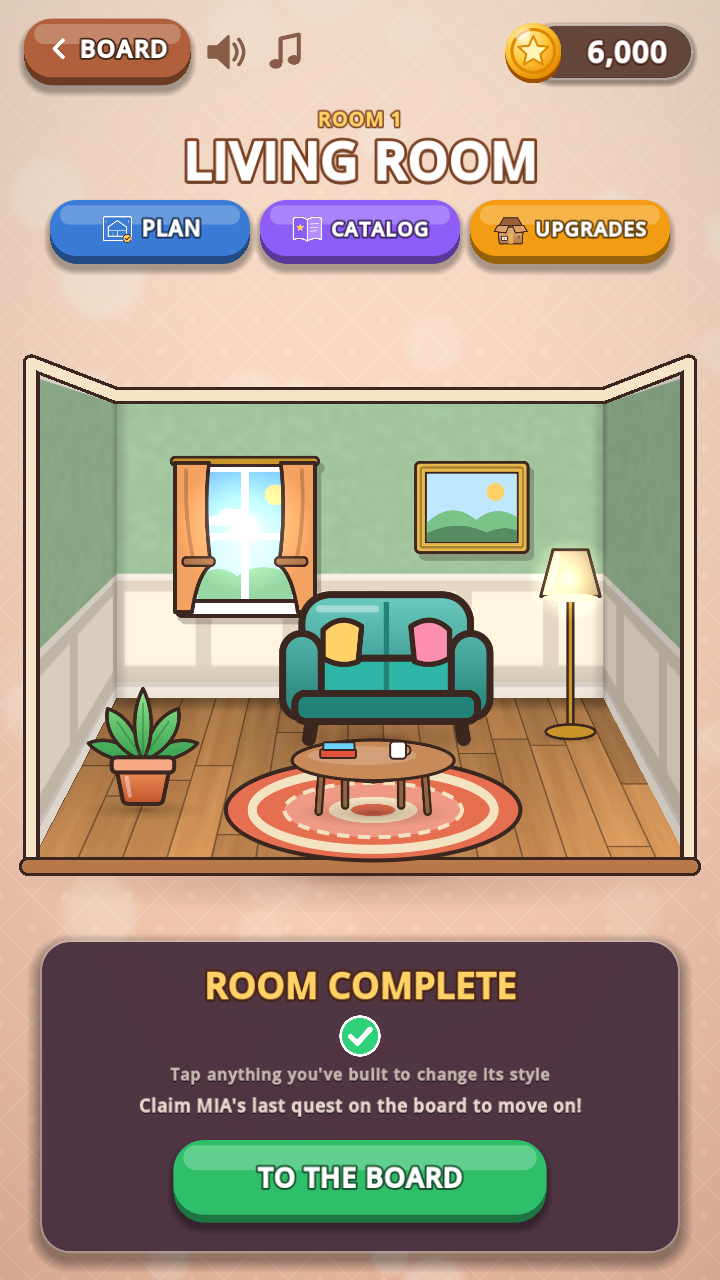
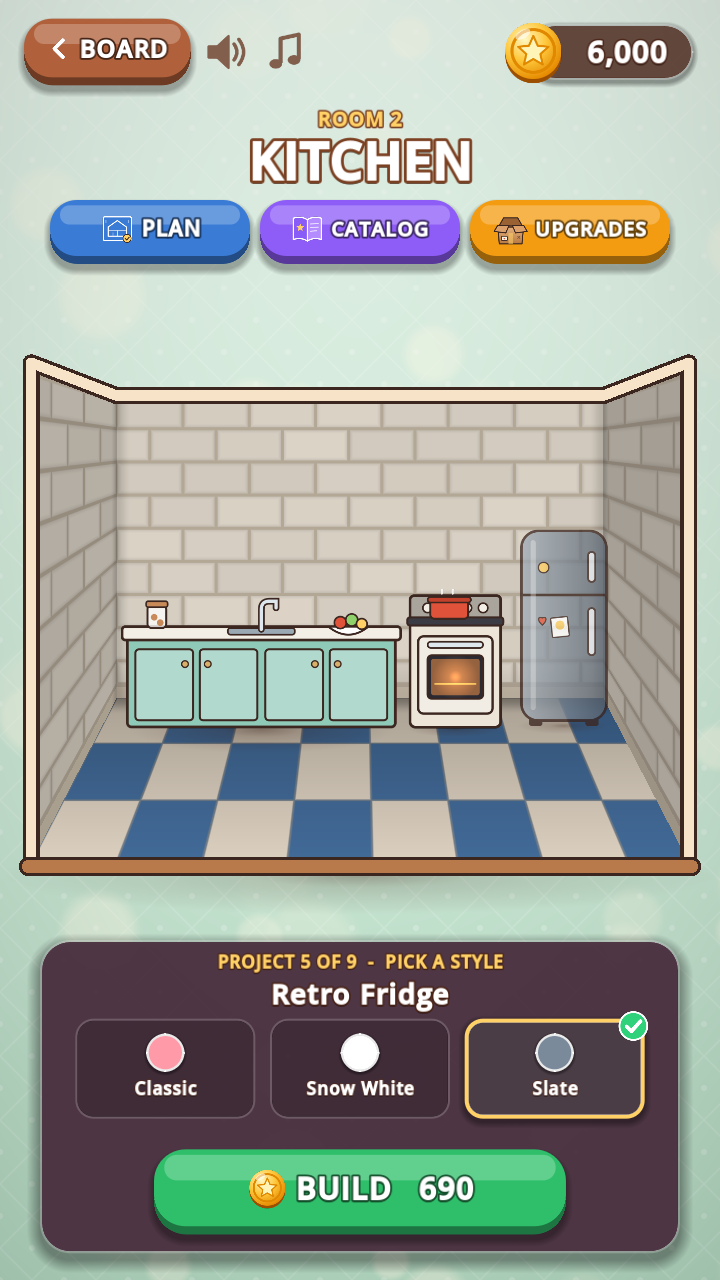
Spend coins on wallpaper, floors and furniture. Every project offers three looks, and anything you’ve built can be restyled for free.
What’s inside
A whole home, then a whole garden.
Room by room
Living room, kitchen, bedroom, bathroom, sunroom and a grand hall, each with its own story, helper and quests.
Then step outside
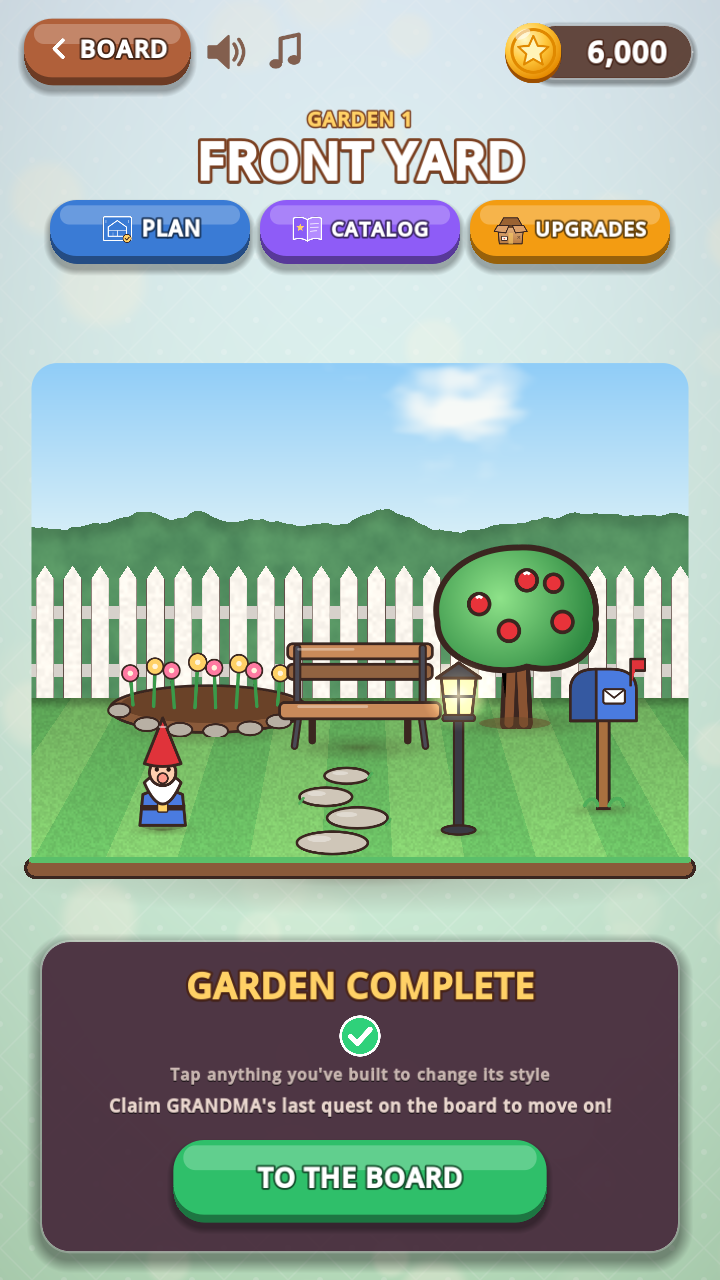
Plant seeds that grow into daisies, roses and fruit trees, and build a front yard, veggie patch, flower garden and pond.
Your home plan
Watch every finished room and garden come together on one blueprint, in the floors and colours you picked.
Rewarded ads are optional: watch one when you want a gift such as extra energy. Occasional ad breaks appear between moments of play. Read the privacy policy for how ads work.
Join the test
Your dream home starts here.
We’re inviting Android players to help test Dream House Merge. Use the same Google account throughout: the one you use in the Play Store.
Closed testing is complete and Dream House Merge is getting ready for launch on Google Play. Thank you to every tester who helped shape it.
Join Logic Labs Testers
One Google Group covers every Logic Labs game. Open it and choose “Ask to join”; we review each request. Already a member from Orbit Jump? You’re in, so skip to step 2. You do not need to send us your email separately.
Ask to joinBecome a Play tester
Once your group request is approved and the release is available, open Google Play’s testing page and choose “Become a tester”.
Open Play testingInstall, play, tell us
Install from the link on the testing page. Decorate a few rooms, try the styles and tell us what feels cozy or needs work. The game is free; there is nothing to buy.
Send feedback
I joined the old Dream House group
That still works: members of the earlier Dream House tester group keep their access. New testers join Logic Labs Testers, which also opens Orbit Jump.
Already an internal tester?
You can join this closed test with the same Google account. Internal testing does not count towards the closed-test period. Your installed app and progress stay as they are.
How long should I test?
Please stay opted in for at least 14 consecutive days and play regularly during that time. Tell us about anything confusing, slow or that interrupts the fun.
What happens to my email?
Google Groups handles the request. Group owners and managers can see your membership details to manage access; the member list is hidden from other testers. Joining is for test access, not a marketing subscription. You can leave the group at any time. Read about tester privacy.
Google Play says the game is unavailable?
Check that your group request was approved and that you are using the same Google account on both sites. If it still fails, contact us below.
Support
Need a hand?
For a Dream House Merge question or bug report, email gertodendaal@logiclabs.co.za.
Include your phone model, Android version, and what happened. Screenshots are optional; remove personal information before sharing. Never send passwords or account credentials.
Privacy and data questions