
Mining incremental
Gem Driller
Drill deep. Strike it rich.
Drill into the wall, fill your hold with gems before the battery dies, then sell the haul or keep it to craft a better drill.
Test signups open on Android
Help shape the first version. Installation opens after Google approves the test release.
How to play
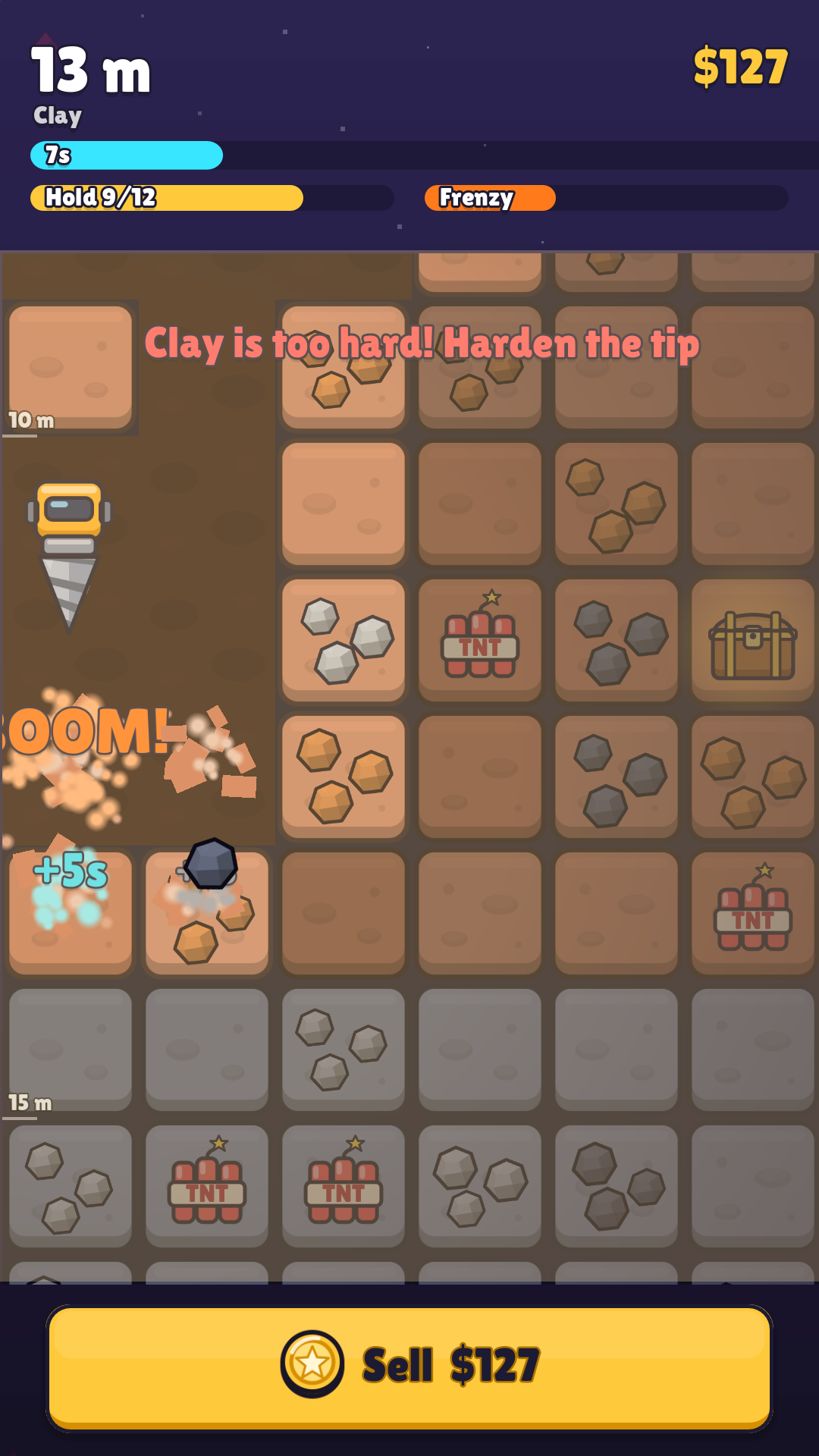
Hold to drill.
Drill the wall
Hold a finger on any exposed block to drill it. Deeper rock is tougher and holds richer gems; TNT, power cells and treasure chests are buried along the way.
Sell or keep
A run ends when the battery is empty or you surface. Sell the haul for cash, or keep the gems your next drill needs.
Build a better drill
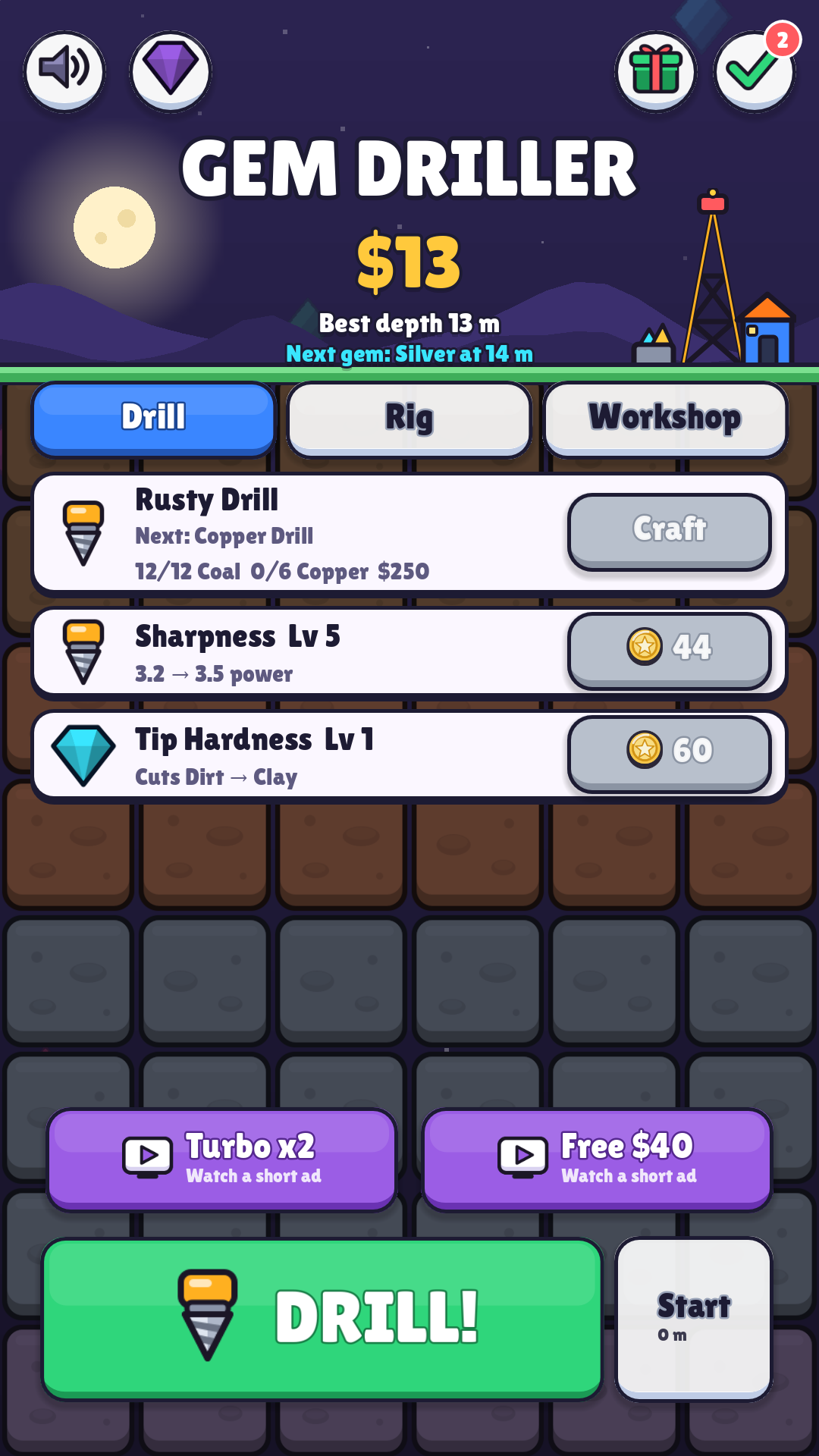
Sharpen and harden the tip, upgrade the rig, and craft the next drill from the gems you dug up. Harder rock needs a harder tip.
What’s inside
Ten drills. Ten gems. One very deep hole.
A drill to work toward
Ten drills, from rusty to starstone, each crafted from what you mine. Every rock layer is a wall until your tip is hard enough to cut it.
Always something to chase
Missions, a daily gift, a Gem Book to complete, mining bots that earn while you are away, and a rebirth that makes every later run richer.
Progress on your phone
Your drill, upgrades, gems and cash are saved on your device. There is no account and no sign-in.
The game is free with ads: optional rewarded ads for a doubled haul, a battery recharge, a turbo drill or free cash, and an occasional full-screen ad between runs. There are no purchases. Read the privacy notice for details.
Join the test
Your first dig starts here.
We’re inviting Android players to help test Gem Driller. Use the same Google account throughout: the one you use in the Play Store.
The same tester group opens every Logic Labs game. Joining does not guarantee immediate installation; we review each request.
Join Logic Labs Testers
One Google Group covers every Logic Labs game. Open it and choose “Ask to join”; we review each request. Already a member? You’re in, so skip to step 2. You do not need to send us your email separately.
Ask to joinBecome a Play tester
Once your group request is approved and the release is available, open Google Play’s testing page and choose “Become a tester”.
Open Play testingInstall, play, tell us
Install from the link on the testing page. Play a few runs, build your first drills and share what feels great or needs work.
Send feedback
How long should I test?
Please stay opted in for at least 14 consecutive days and play regularly during that time. Tell us about pacing, performance, controls and anything that interrupts the fun.
What happens to my email?
Google Groups handles the request. Group owners and managers can see your membership details to manage access; the member list is hidden from other testers. Joining is for test access, not a marketing subscription. You can leave the group at any time. Read about tester privacy.
Google Play says the game is unavailable?
Check that your group request was approved and that you are using the same Google account on both sites. Changes can take a few hours to reach Google Play. If it still fails, contact us below.
Support
Need a hand?
For a Gem Driller question or bug report, email gertodendaal@logiclabs.co.za.
Include your phone model, Android version, game version, and what happened. Screenshots are optional; remove personal information before sharing. Never send passwords or account credentials.
Privacy and data questions